|
Create a Oracle Net Listener
2011/06/25 |
|
Create a Oracle Net Listener that is a network service on Oracle.
|
|
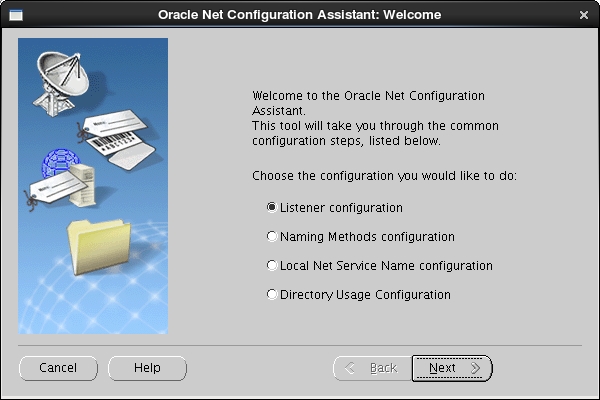
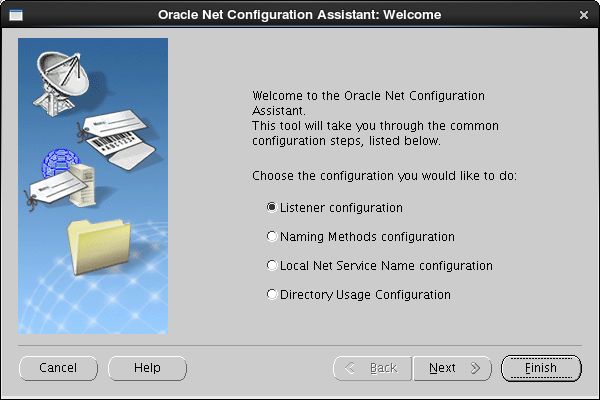
| [1] | Login as Oracle user and input a command "netca", then following screen is shown. Check a box "Listener Configuration" and go next. |
|
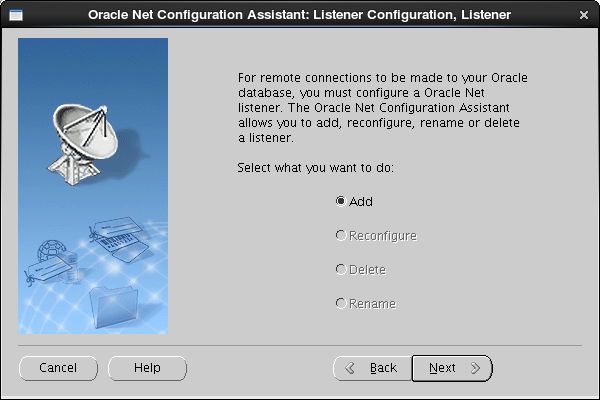
| [2] | Go next. |
|
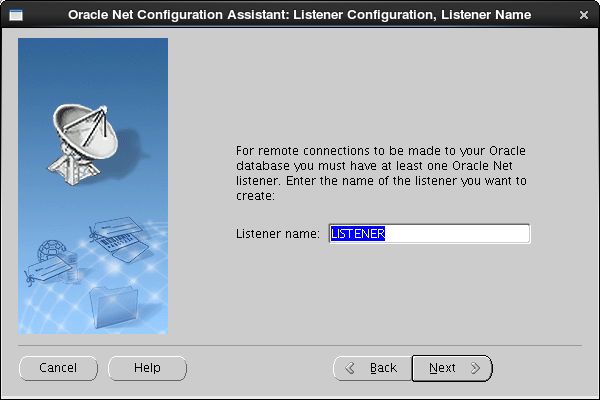
| [3] | Set Listner's name. Input any one you like. |
|
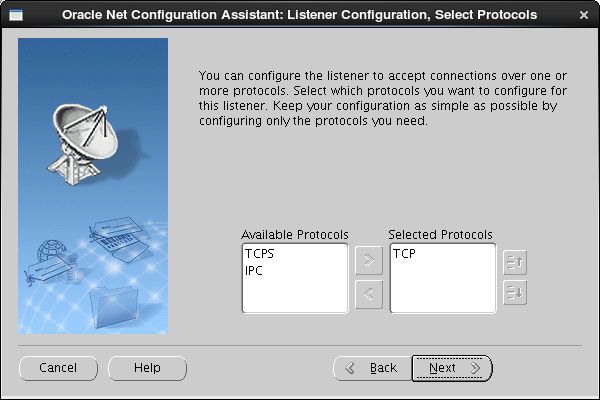
| [4] | This example goes next with keeping default "TCP". If you'd like to change, Change it. |
|
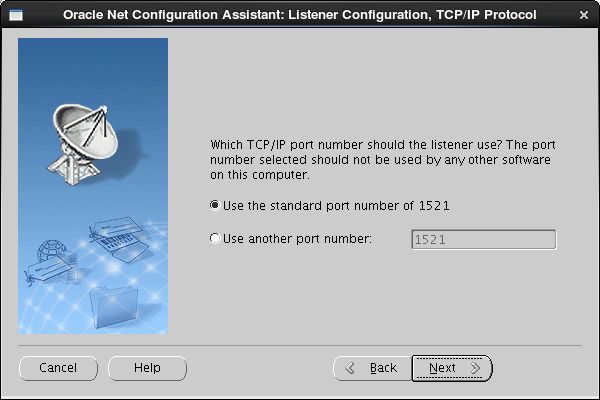
| [5] | Set port. This example goes next with keeping default. If you'd like to change, Change it. |
|
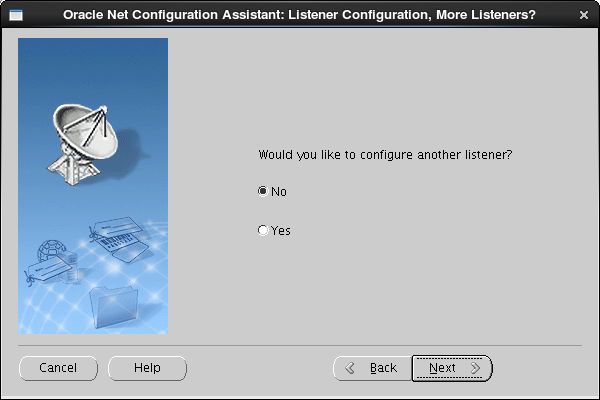
| [6] | If you'd like to create more Listener, Answer "Yes". This example selects "No". |
|
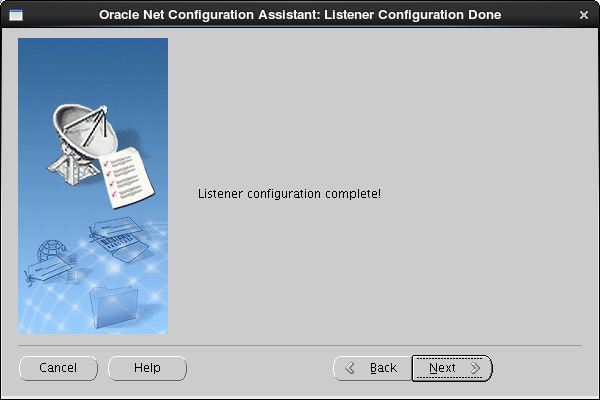
| [7] | Configuration completed. |
|
| [8] | Click "Finish" to quit. After finishing, Confirm the status by "netstat" comand. Then you'll show "tnslsnr" listens 1521 port. |
|